Every card. Every payday. One dashboard.
A spending and income tracker you arrange yourself, from 53 modules. On iPhone, iPad and Mac, offline, with Apple Intelligence on your device.
Download on the App Store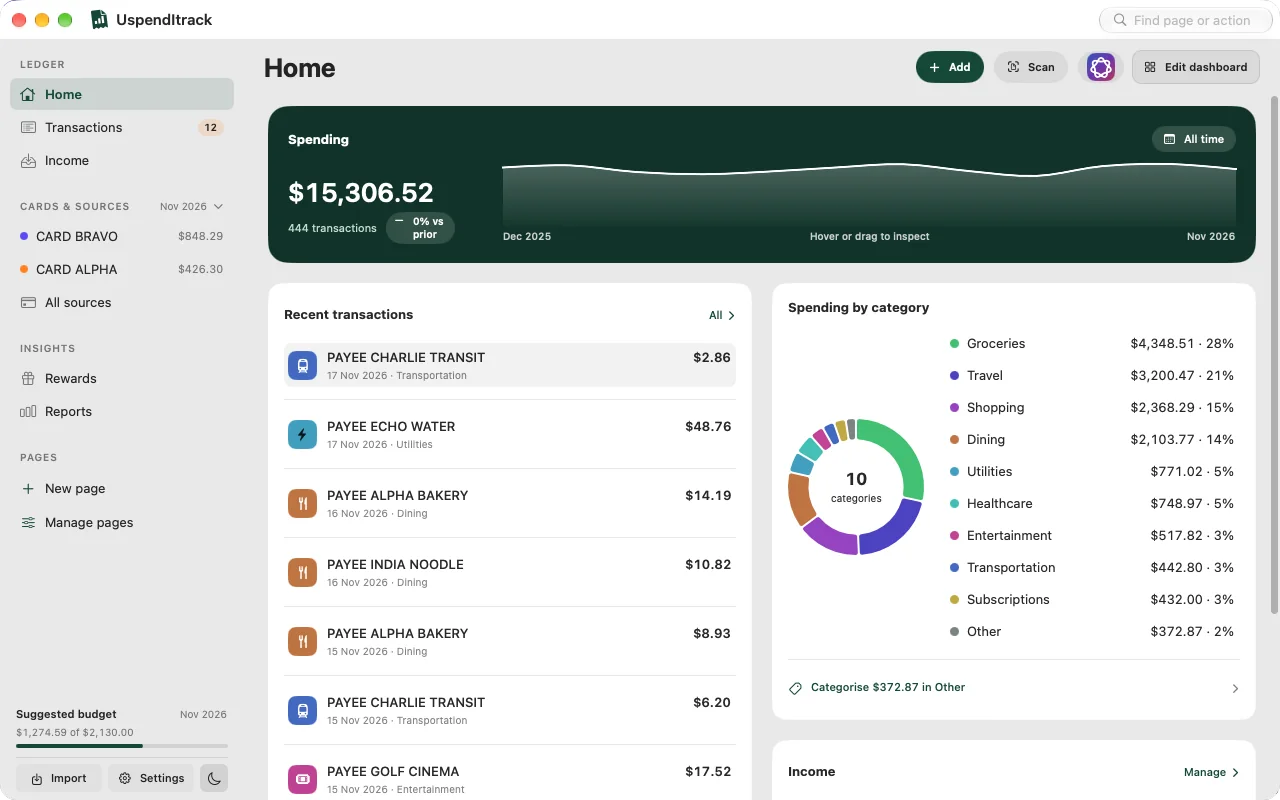
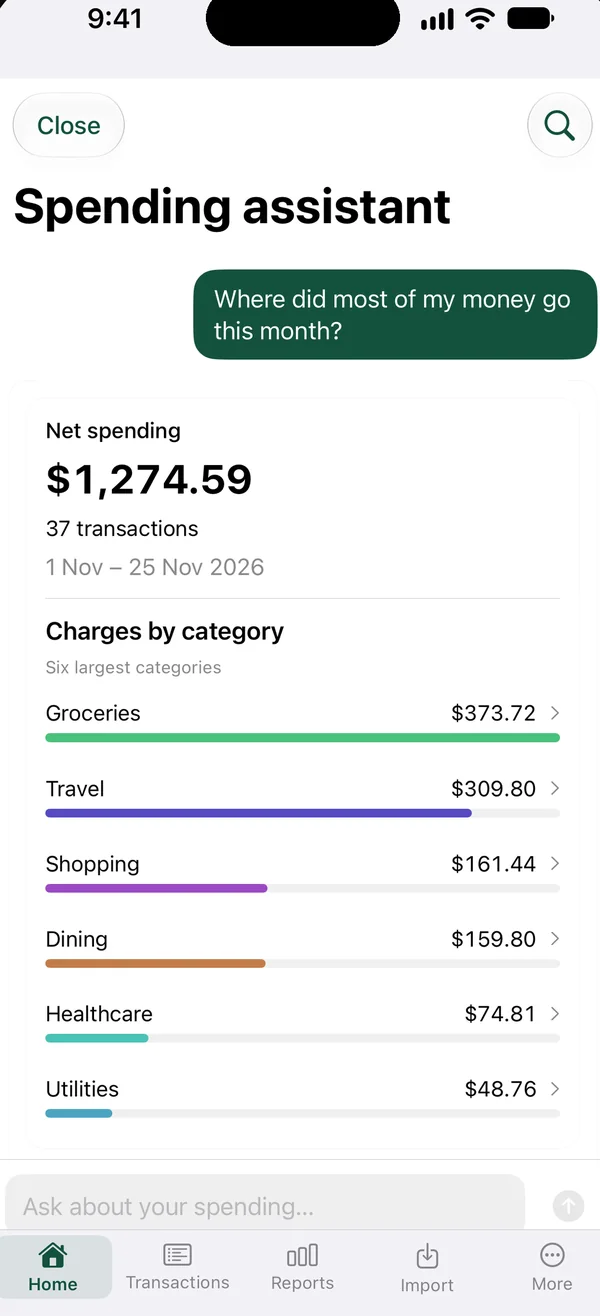
Mac and iPhone. Synthetic sample data.
Statements were just the start.
Cards and statements
Singapore statement formats built in. CSV and Excel for everything else. Every card on one calendar month.
Income
Salary, interest, dividends and rent, confirmed as each payment arrives.
Budgets and recurring
Budgets, recurring costs and subscriptions across every card.
Rewards
Cashback and miles estimated from the rates you enter, by category if you like.
53 modules to mix and match.
Add, move and resize them on Home, or build your own pages. The layout follows you from iPhone to iPad to a Mac window.
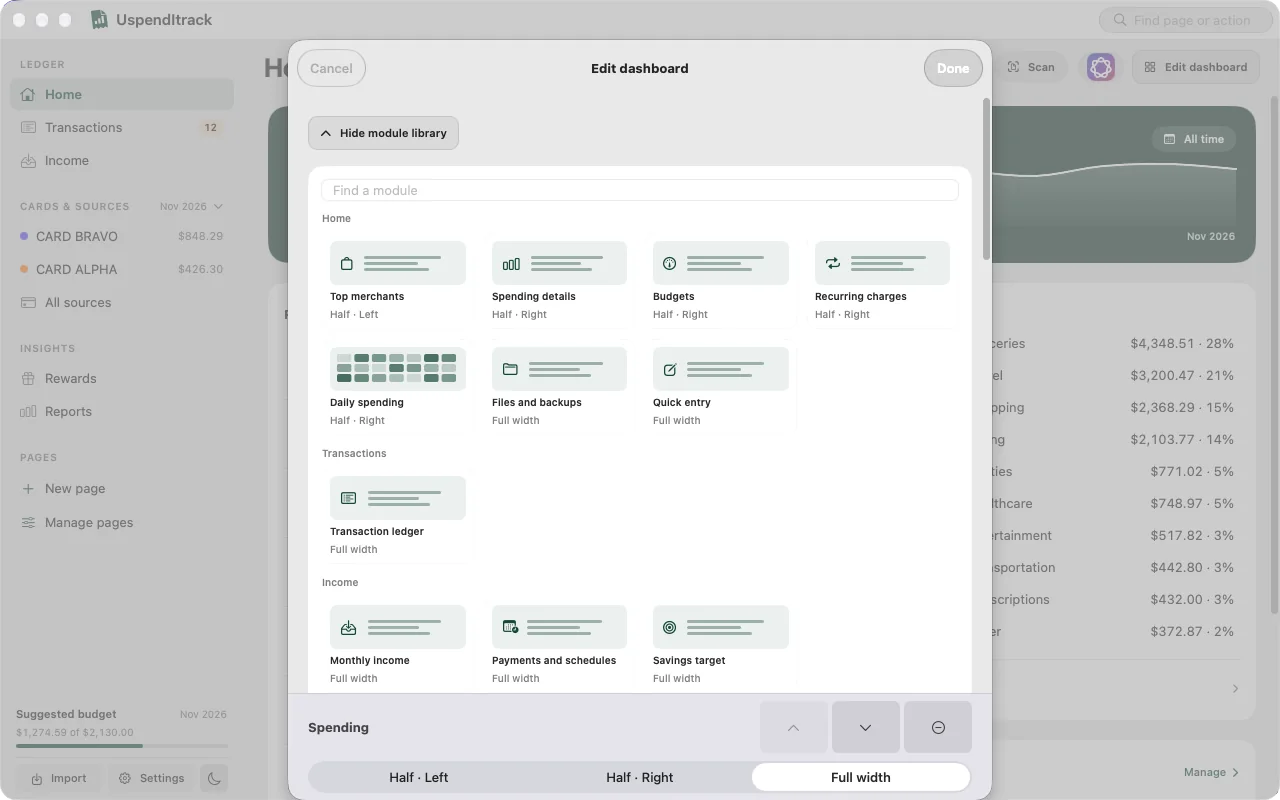
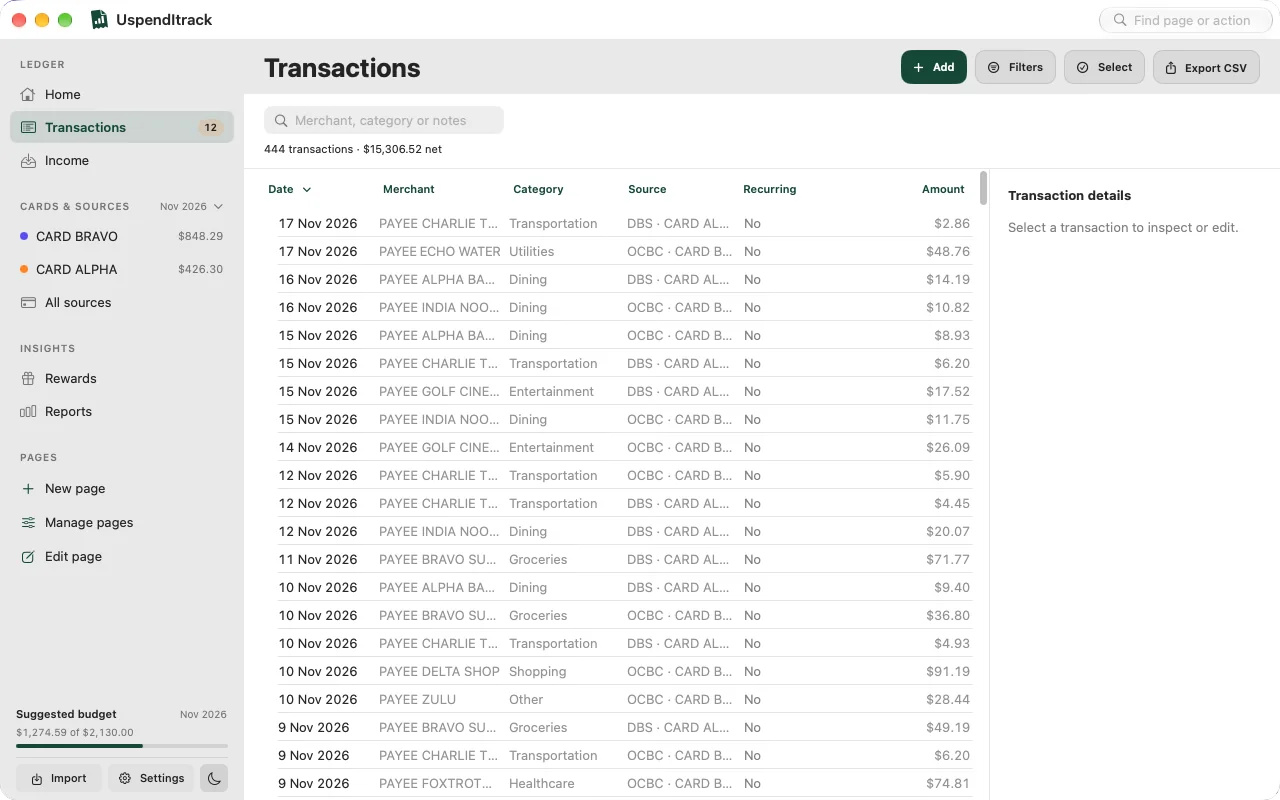
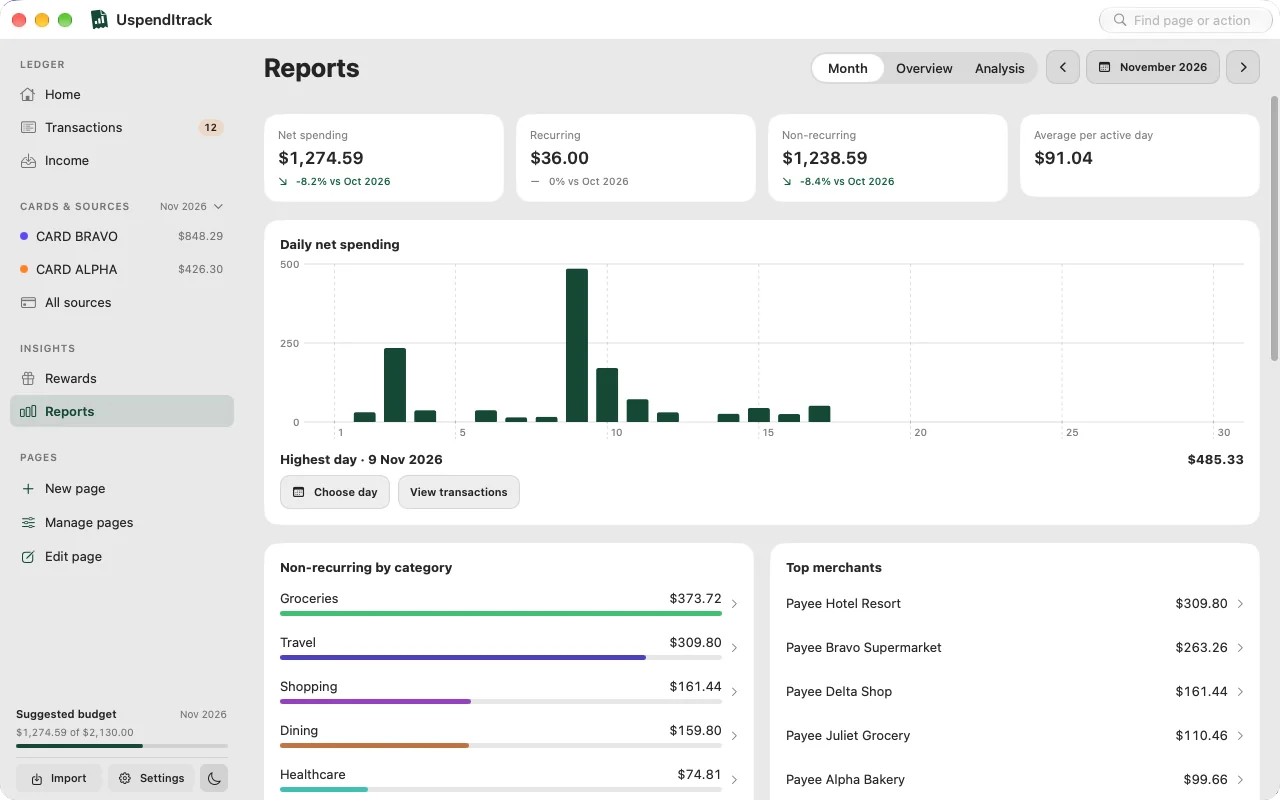
Screens from the Mac app. Synthetic sample data.
No account. No cloud. No bank login.
The app contains no code that transmits financial data anywhere. There is no backend, sign-up, cloud sync, advertising, analytics or crash reporting.
Read on your device
Statements are read by code inside the app, and your records stay in local storage. The ledger is excluded from iCloud device backup, so it doesn't reach your own cloud account either.
Two requests, both to Apple
Merchant-name lookup with Apple Maps is off unless you turn it on, and sends only the merchant description. On iPhone and iPad, an update check asks the App Store at most once a day, sending only the app's identifier. You can turn both off.
This site, too
No analytics, no third-party scripts and no fonts from anyone else's server. Every file on this page comes from uspenditrack.com.
Apple Intelligence. On your device. Nowhere else.
Spending assistant
Ask about your own ledger. App code calculates every figure.
Receipts and alerts
Scan from the camera, Photos or Files, or paste a payment alert.
Category suggestions
For merchants your rules left in Other. You confirm before anything is saved.
Voice
Optional English voice input, with a transcript you can edit.
On devices that support Apple Intelligence. Questions, audio and records are never uploaded. No account, cloud sync, advertising or analytics.
US$9.90.
Once.
Unlimited statement imports and every AI tool. No subscription, no in-app purchases. The App Store shows your local price.
The awkward ones, answered.
What happens when I get a new phone?
It starts empty. Because nothing is stored in a cloud, your data moves across with a backup file: save one in Settings → Backups on the old device, then restore it in Backups on the new one — no account required. That is the cost of the promise, and we would rather state it here than have you discover it later.
My bank is not in Singapore. Does it work?
Yes, through CSV or Excel. The built-in PDF parsers cover common Singapore formats, and a statement from an unfamiliar bank may still parse, but a CSV or Excel (.xlsx) export is the path that reliably works everywhere. The app tells you plainly when it cannot read a PDF rather than importing something wrong.
Can you look at my data to help with a problem?
No — and that is the point of the app rather than a limitation of the support channel. Your data only exists on your device. Please do not email statements or screenshots containing real transactions.
Is my statement uploaded anywhere to be read?
No. Statements are read by code running inside the app on your device, with no server involved. Rules you control categorise them. On devices that support Apple Intelligence, the on-device model suggests categories for merchants the rules left in Other, and you confirm them before anything is saved.
Does the AI send my data anywhere?
No. The model, transcription and calculations run on your device, and there is no cloud fallback. Questions, audio and financial records are never uploaded. Apple may download public model assets during setup.
Is there a subscription or in-app purchase?
No. UspendItrack is a one-time paid download. Unlimited statement imports and every AI tool are included. AI features need a device that supports Apple Intelligence.
Still have a question?
Write to hello@uspenditrack.com. There is no ticketing system and no chatbot — the reply comes from the person who wrote the app.